
The Best Photo for a Fancy Cafe AI Video
Which photo gives the best likeness in a fancy cafe AI video: light, angle, outfit, friends and pets, plus what you cannot upload.
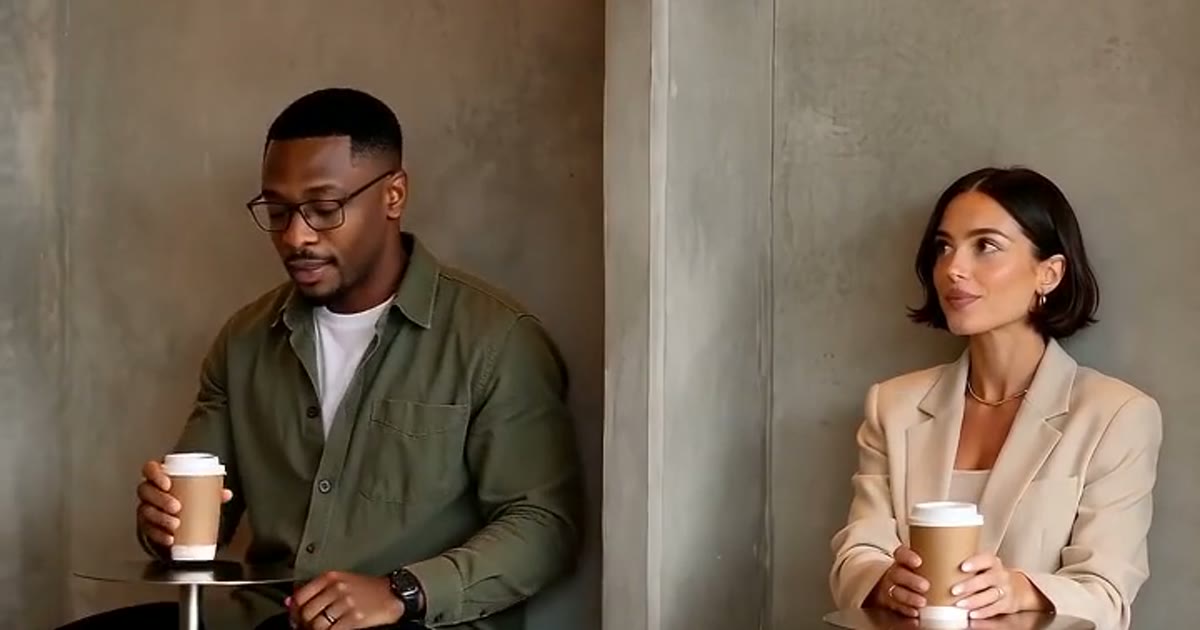
The AI builds your character from your photo, so the photo decides how much the result looks like you.
What works
- One person. If your picture has several people, crop it to one first.
- Facing the camera. Straight on, or turned very slightly.
- Bright, even light. Daylight from a window is ideal. Avoid hard shadows across the face.
- Sharp and large. Use the original file, not a screenshot of a screenshot. Aim for at least 1000 pixels on the short side. The order form warns you if a photo is small.
- Nothing covering the face. No sunglasses, hands or heavy filters.
Your outfit comes from the photo
What you are wearing in the photo is what you wear in the video. A full-body shot gives the AI the most to work with. If only your top half shows, it fills in the rest with plain casual clothes, and shoes may not match what you own. Very loose or patterned clothes are harder to keep consistent than plain ones.
Two people
Use one photo per person, not a single photo of both. The photos do not need to match, but similar light helps the two people look like they are in the same room. Get your friend's permission first.
Pets
Fit the whole animal in the frame, at their eye level, with nobody else in shot. The pet guide has more.
What you cannot upload
- Anyone under 18
- Public figures and celebrities
- Anyone who has not agreed to this
These are the rules of the site, and we will remove content that breaks them.
What to expect
AI output varies. Faces can drift a little, especially when the person is small in the frame, and details like shoes and hems change. If a video is broken or shows the wrong person, send it to us from your history and we will make it again or return the credits.
Got your photo? Start your order.